
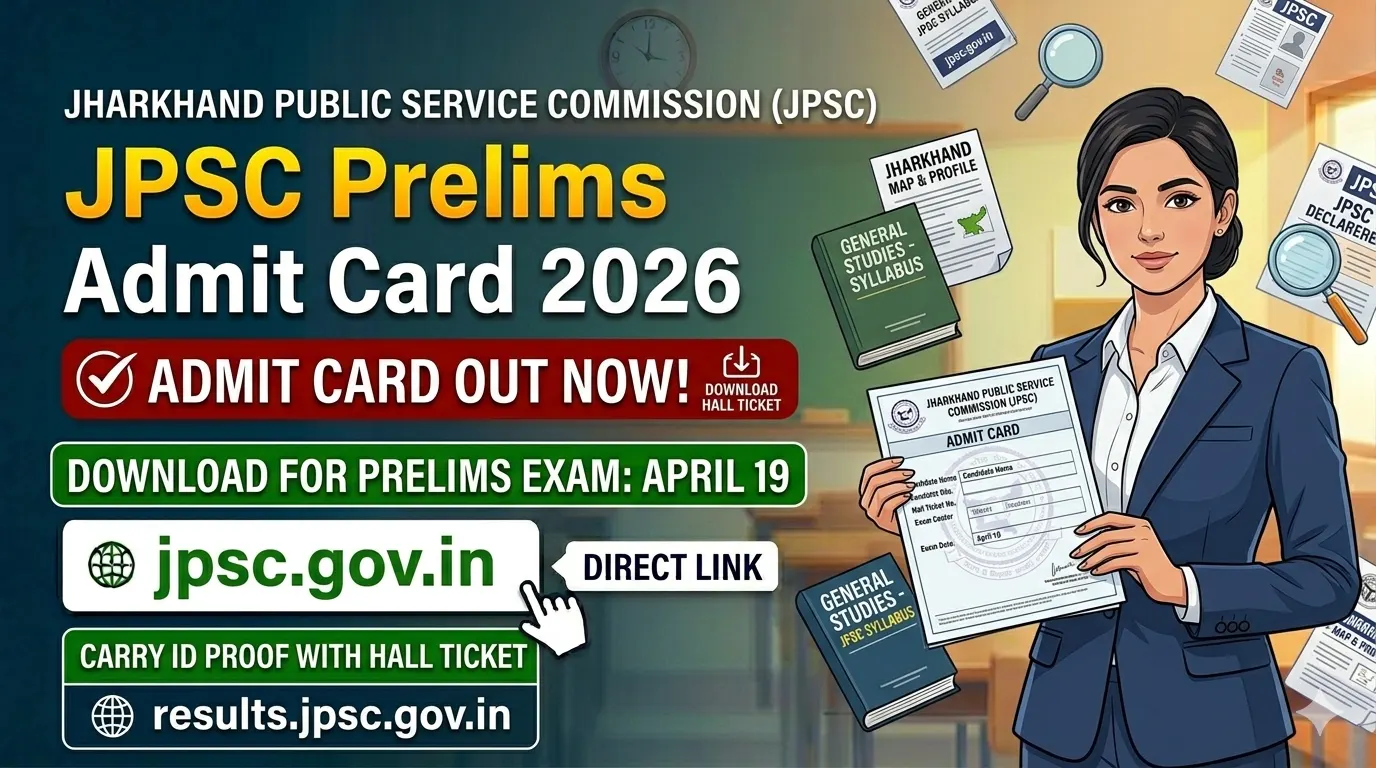
The wait is finally over for thousands of aspirants. The Jharkhand Public Service Commission (JPSC) has officially released the JPSC Prelims Admit Card 2026 for the Combined Civil Services Examination. Candidates can now download their hall tickets from the official website jpsc.gov.in.
If you are one of the applicants waiting for this moment, this guide will help you understand everything from the exam schedule and download steps to the documents you must carry on exam day.
Overview: JPSC Prelims Exam 2026 at a Glance
| Detail Information | Description |
|---|---|
| Conducting Body | Jharkhand Public Service Commission (JPSC) |
| Exam Name | Combined Civil Services Preliminary Exam 2026 |
| Admit Card Release Date | April 14, 2026 (from 5:00 PM) |
| Exam Date | April 19, 2026 (Sunday) |
| Total Vacancies | 103 Posts (including Deputy Collector, DSP) |
| Exam Mode | Offline (Pen & Paper – OMR based) |
| Official Websites | jpsc.gov.in, jpscotr.com |
Source: JPSC official notification and admit card release
JPSC Prelims 2026: Exam Schedule & Paper Pattern
The preliminary exam will be held on April 19, 2026 in two shifts. Both papers are objective (MCQ) type, and here is the good news — there is no negative marking .
Here is the shift-wise schedule:
| Paper | Subject | Time | Marks | Duration |
|---|---|---|---|---|
| Paper I | General Studies I | 10:00 AM to 12:00 PM | 200 | 2 Hours |
| Paper II | General Studies II | 3:00 PM to 5:00 PM | 200 | 2 Hours |
Important Notes:
· Paper II is qualifying in nature. Your selection will mainly depend on your performance in Paper I .
· Biometric and IRIS verification will be done at the exam center. So reaching on time is very important .
How to Download JPSC Prelims Admit Card 2026
Follow these simple steps to download your hall ticket. I recommend using a laptop or desktop for a smoother experience.
Step 1: Go to the official JPSC website – jpsc.gov.in or the OTR portal jpscotr.com .
Step 2: On the homepage, look for the link that says “Admit Card for Combined Civil Services Preliminary Exam 2026” or “Advt. No. 01/2026” .
Step 3: Click on that link. You will be taken to the login page.
Step 4: Enter your login credentials:
· Registration Number / OTR Number / Email ID / Mobile Number
· Password or Date of Birth (as used during application)
· Captcha code (if asked)
Step 5: Click on “Submit” or “Download Admit Card” .
Step 6: Your admit card will appear on the screen. Check all details carefully — your name, roll number, photo, exam date, and center address.
Step 7: Download the PDF and take at least 2-3 printouts . Keep one copy safely at home and carry another to the exam center .
Pro Tip: The website might be slow due to heavy traffic. If it does not open, try during non-peak hours (late night or early morning).
Documents You Must Carry on Exam Day
Carrying only the admit card is not enough. JPSC has made it clear that you need multiple documents to enter the exam hall. Without these, you may be denied entry .
Mandatory Documents (Originals + Printouts)
| Document | Details |
|---|---|
| Printed Admit Card | Clear printout with visible photo and details |
| Valid Photo ID Proof | Aadhaar Card, Voter ID, Driving License, PAN Card, or Passport (original + photocopy) |
| Passport Size Photographs | 2 to 4 recent color photos (same as uploaded in application form) |
| Attendance Sheet | Sometimes included with admit card download — print it separately if available |
Items NOT Allowed Inside Exam Hall
To maintain fairness, JPSC has banned the following items :
· Mobile phones (even switched off)
· Smartwatches or any wearable devices
· Calculators (programmable or non-programmable)
· Books, notes, or loose papers
· Bags, wallets, or purses
· Food items (except for medical reasons with prior permission)
· Any electronic device
Keep it simple: Carry only your admit card, ID proof, photos, and a blue or black ballpoint pen . Leave everything else at home or in your vehicle.
What to Check on Your JPSC Admit Card
Once you download the hall ticket, verify these details immediately :
| Section | What to Check |
|---|---|
| Personal Details | Your full name, date of birth, father’s name, gender, category |
| Exam Details | Roll number, registration number, exam date (April 19, 2026), shift timings |
| Center Details | Exam center name, complete address, center code |
| Photo & Signature | Make sure your photo and signature are clearly visible — not blurry |
If you find any mistake (spelling error in name, wrong photo, etc.), contact JPSC immediately. Use the helpdesk email helpdesk@jpscotr.com or call the helpline 8929883832 (available on working days, 11:00 AM to 5:00 PM) .
What If You Cannot Download Your Admit Card?
If you face issues while downloading, try these solutions :
| Problem | Solution |
|---|---|
| Website not loading | Wait 15–20 minutes and try again (server overload is common) |
| Forgotten password | Use the “Forgot Password” option on the login page |
| Credentials not working | Double-check your registration number and date of birth |
| Browser issues | Clear cache and cookies, or try a different browser (Chrome/Firefox) |
| Still not working | Contact JPSC helpdesk immediately — do not wait until exam day |
Helpline: 8929883832 (working days, 11 AM to 5 PM)
Email: helpdesk@jpscotr.com
Frequently Asked Questions (FAQs)
When was the JPSC Prelims admit card released?
The admit card was released on April 14, 2026 from 5:00 PM onwards .
What is the exam date for JPSC Prelims 2026?
The exam is on April 19, 2026 (Sunday) in two shifts .
Is there negative marking in JPSC Prelims?
No. There is no negative marking. You can attempt all questions without fear of losing marks .
What if there is a mistake on my admit card?
Contact JPSC immediately via email helpdesk@jpscotr.com or helpline 8929883832 .
Best of luck to all candidates appearing for the JPSC Prelims 2026! Stay calm, stay focused, and give your best effort on April 19.

Leave a Comment